
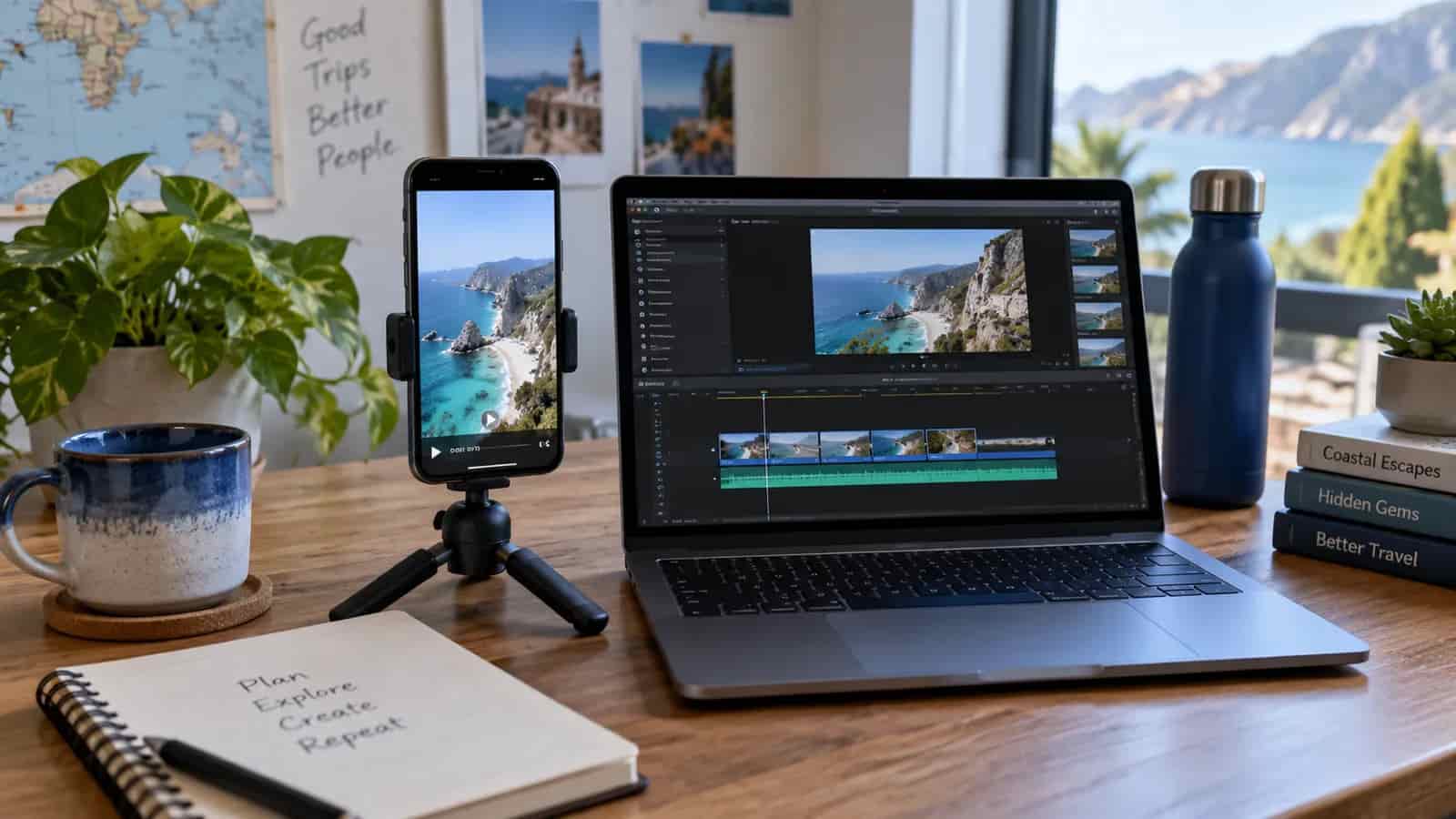

Social media video for travel advisors does not need to take all evening. Record in one take, cut the silences, and stop starting over every time you stumble. Much of the time advisors lose is not spent editing. It is spent re-recording the same forty seconds. A few habits and tools can make that work feel more manageable.
This came out of our October 6, 2026 Accelerator session, "Social Media Video Editing," where we went through four ways to edit, from doing it on your phone to working with AI and editing tools.
If posting consistently is the thing you keep meaning to start, it is usually a process problem rather than a skill problem. Book a free business audit and we will build you a rhythm you can hold.
Stop re-recording. This is the whole article in one habit.
When you fluff a line, do not stop. Put your hand over the lens for a second, take it away, and carry on from the start of that sentence.
When you come to edit, those blackouts are visible markers. You know exactly where the bad take ends without scrubbing through anything. One continuous recording, several usable takes inside it, and none of the frustration that comes from setting the shot up again.
Restarting repeatedly can turn a short recording into a long job. Keeping one continuous take gives you fewer files to sort and makes the next edit easier; the time saved will depend on your recording.
Cut the silences off the waveform
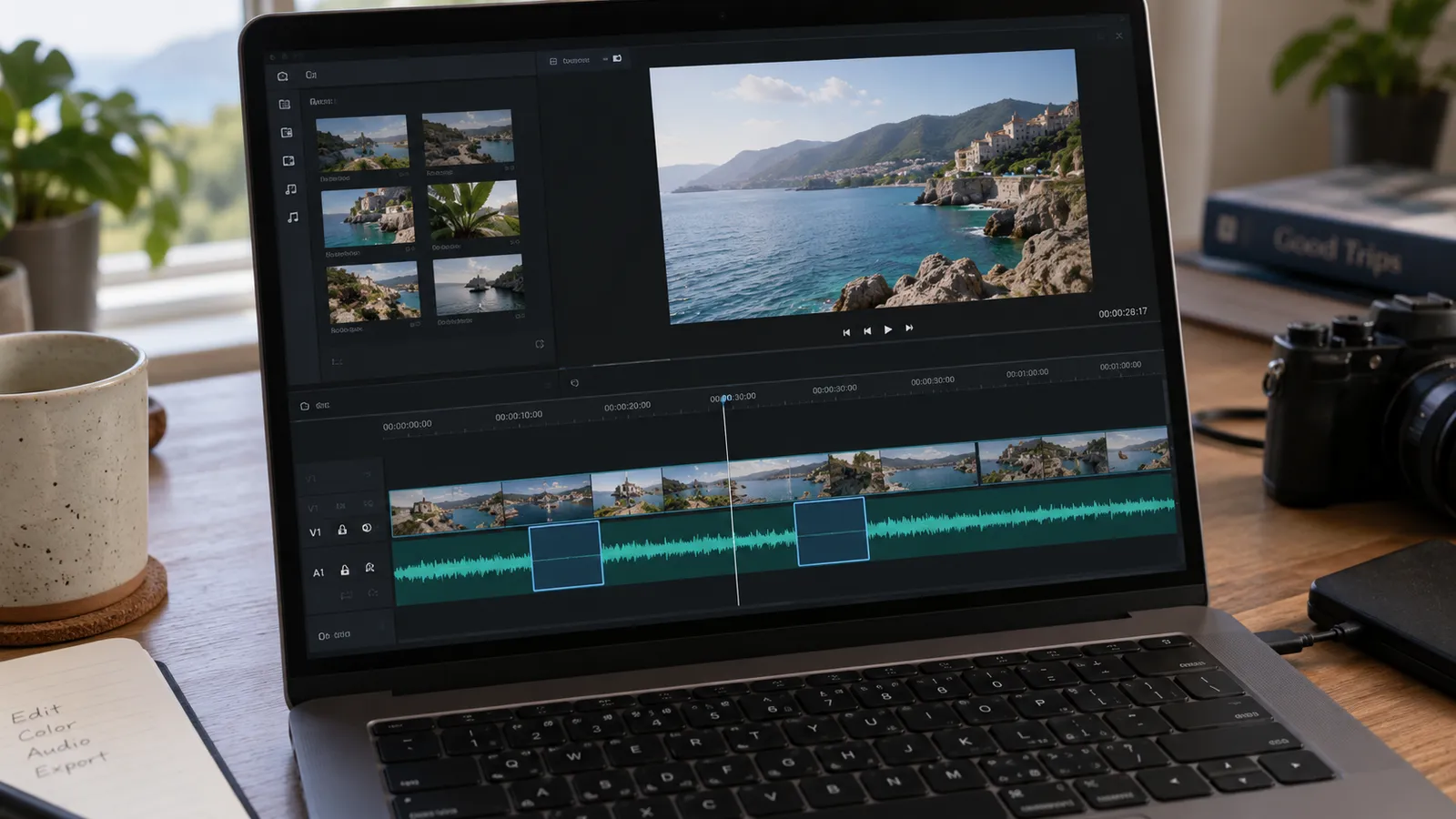
The second habit that saves real time. Most editors show you the audio as a waveform under the clip, and the gaps where you were thinking show up as flat lines with nothing under them.
Select those, delete them, and the video tightens up immediately. On a long recording this is the single fastest edit available, and it is the difference between something that feels sluggish and something that holds attention.
CapCut will also strip filler words automatically if you let it, which handles the ums without you hunting for them.
The four ways to do it
Instagram's Edits app. Instagram built a dedicated mobile video editor for iOS and Android. It offers a timeline, clip-splitting, volume and speed controls, effects, automatic captions, overlays, links and voiceover recording. You can publish to Instagram and Facebook or save the file to post elsewhere.
CapCut on desktop. It has free editing features as well as paid features, and availability can change. If you are going to edit on a computer, it gives you more room to work than a phone. Features include automatic captions, text overlays, filters and color adjustment; check which are currently available on the plan you use. Once you have learned the basics, desktop editing may feel faster than a phone.
Canva. Not covered in depth on the session, but if you already pay for it, it does the job and your brand assets are already in there.
AI, which is the one that surprised people. In our session, we used Claude with code execution and local video tools to turn one raw seven-minute recording into five short clips, each between thirty seconds and a minute fifteen, with a different hook, captions, overlays and clean transitions. The workflow returned five edited clips with no logo, a clear hook at the top and consistent font, ready for review. This depended on the tools and rendering workflow enabled for the session; it is not a standard video-upload feature in every AI chat.
The prompt mattered more than the tool. Being specific about length, about wanting the same core message with different openings, about the style of animation, about what not to include. If you struggle to write a prompt that detailed, talk it instead. Voice mode handles rambling better than you would expect and you can ramble your way to a clearer brief than you would have typed.
Two practical notes. AI plan limits and available tools vary, so a long video may need splitting across sessions or another workflow. Once you have a prompt that works, save it as a reusable project so you are not rewriting it every time.
For more on using AI in your travel business, see AI and Technology for Travel Advisors.
Pick one editor and stay with it
This matters more than which one you pick.
Many editors let you save fonts, colors and caption styles. That only pays off if you use the same one each time. Advisors who bounce between three tools rebuild their look from scratch every post and it shows.
If you want to choose properly, edit the same video in two of them and time yourself. Whichever is faster is the right answer for you, regardless of what anybody recommends.
The travel advisor video editing checklist and prompt gives you a repeatable editing workflow and prompt to adapt for your own setup.
Use the Weekly Rhythm Planner to give recording and posting a place in a busy booking week.
One recording, five posts
A reusable recording-to-post workflow
Record
Keep one continuous take and mark restarts.
Trim
Remove mistakes and unnecessary silent gaps.
Caption
Check every place name and travel term.
Review and post
Export clean clips and compare different openings.
A seven-minute recording is not one piece of content. It is four or five, if you plan it that way.
Record the same core message several times with different openings. When you edit, each version becomes its own short post with its own hook. Same substance, different entry point, which is what you want for the next part.
Instagram's trial reels let you share videos with people who do not follow you, which may be useful if your following is small or mostly other advisors rather than clients. You can test several openings and compare their response before choosing what to post more widely.
What to actually talk about
The editing is the easy half. The reason most advisor video gets ignored is the content.
Nobody cares about your three favorite cruise lines if they do not know you yet. That post assumes a relationship you have not built. What earns attention is something a potential client cannot easily find, the thing buried in a forum thread or known only to people who have actually been.
The test worth applying before you record: might somebody save this, or send it to the person they are traveling with? Useful or funny details give people a reason to share, though each platform's recommendation system works differently.
Being contrarian works too, but only with evidence behind it. If your experience of somewhere contradicts the general view, say so and show why. You have proof from having been there, which no stock photo and no AI-generated clip can match.
Our guide to social media marketing for travel advisors has more ideas about what to post and how often.
Plan it before you travel
The advisors who come back from a trip with usable content decided what they were filming before they left.
Know the three or four things you want to cover, roughly where you will film each one, and what the point of each is. Then you can film them in one session and enjoy the rest of your vacation, rather than filming anxiously throughout and ending up with hours of footage and no idea what to do with it.
Do not hide behind the effects
A closing note that matters more now than it did a year ago.
People have become good at spotting AI content, and heavy effects read as something to hide behind. The advantage you have over every generated video is that you were actually there. Light editing, captions, a clean cut, and then let the thing itself carry it.
Captions are the exception, and they are worth including. Some people watch with the sound off while doing something else, and without captions they may miss your point.
If you want to understand where your current visibility gaps are, the Visibility Audit can walk you through them.
Common questions
What is the best video editing app for travel agents?
Try CapCut on desktop if you prefer a larger timeline, Instagram's Edits app if you work on a phone, or Canva if you already use it. Free and paid features vary. Time yourself editing the same clip in two tools; the one you can use consistently is the useful choice.
How long should a travel advisor's video be?
Short enough to hold attention and long enough to be worth saving. Thirty seconds to about a minute and fifteen was the range we used in the session. One longer recording can produce several short posts, but there is no universal length that guarantees engagement.
Do I need captions on social video?
Include captions so people watching without sound can follow your point. Edits and CapCut offer automatic captions, but check them before posting, because place names and travel terms can be wrong.
Can AI edit my videos for me?
With suitable file access, editing tools and a rendering workflow, AI can help turn a recording into short clips with hooks, captions and transitions. Our session used Claude with enabled tools. Ordinary chat uploads do not all support video editing, and you still need to review the exported clips.
What should travel advisors post about on video?
Things a client cannot easily find elsewhere. Details that are buried in forums or only known from having been somewhere. The test is whether someone would save it or send it to the person they are traveling with.
How do I film without spending my whole vacation working?
Decide what you are filming before you go. Three or four planned pieces, filmed in one session, beats recording constantly and sorting it out later. Get permission before filming other people or private spaces.
Talk to us
Video gets easier when you stop treating every post as a production. If you want help building a recording and posting rhythm you can actually hold, that is a short conversation.
Book a free business audit, or take the Growth Check to see whether visibility is your real bottleneck.
Oliver and Alexandra Catt run Coaching Agents Through Travel, a coaching community for independent travel advisors in the US and Canada. Oliver led Learning and Development for Unique Vacations, the worldwide representative for Sandals and Beaches Resorts. Alexandra ran the Unique Vacations contact center in Grenada and built a six-figure travel agency.